Every simulator on one board. Fold the Duo by hand.
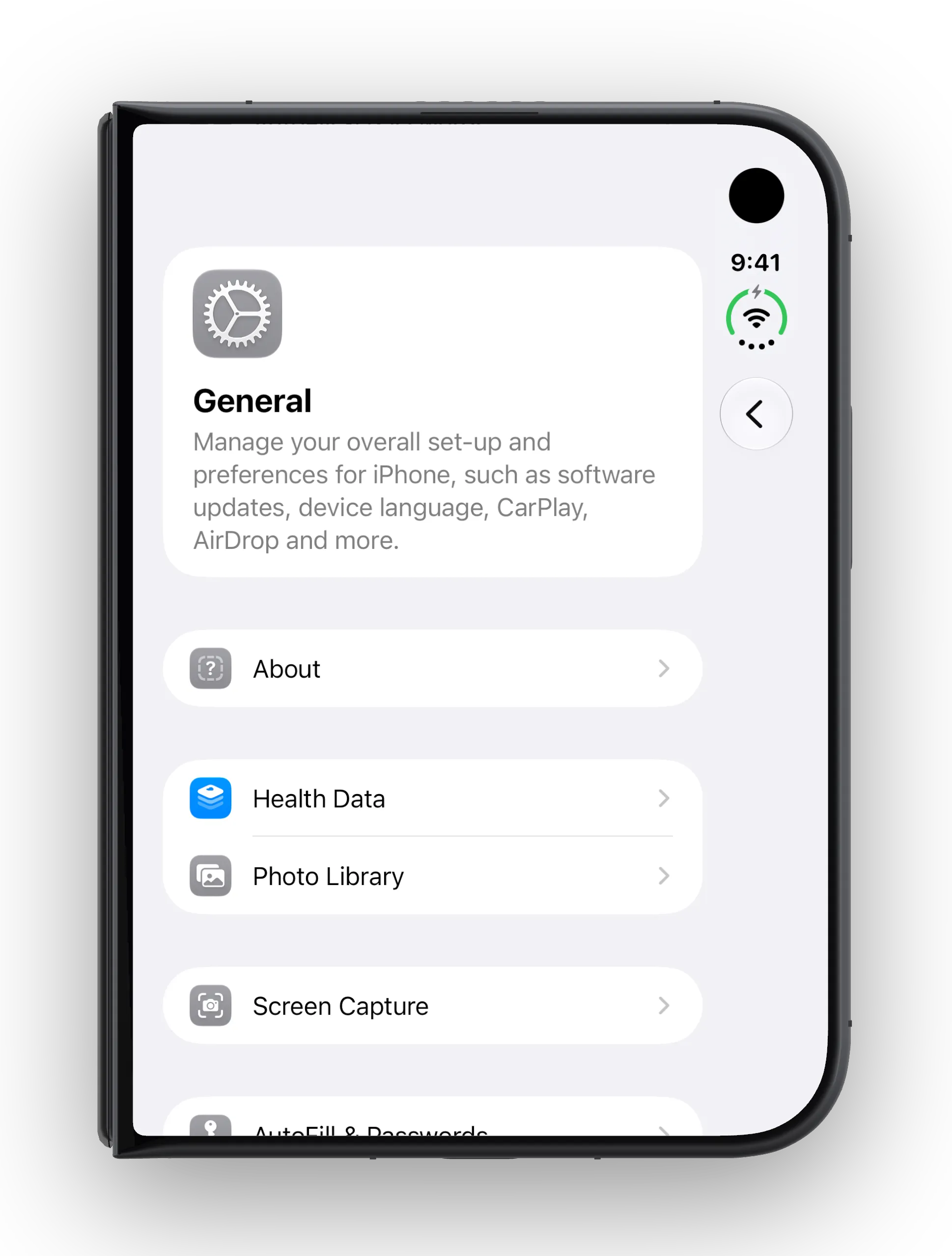
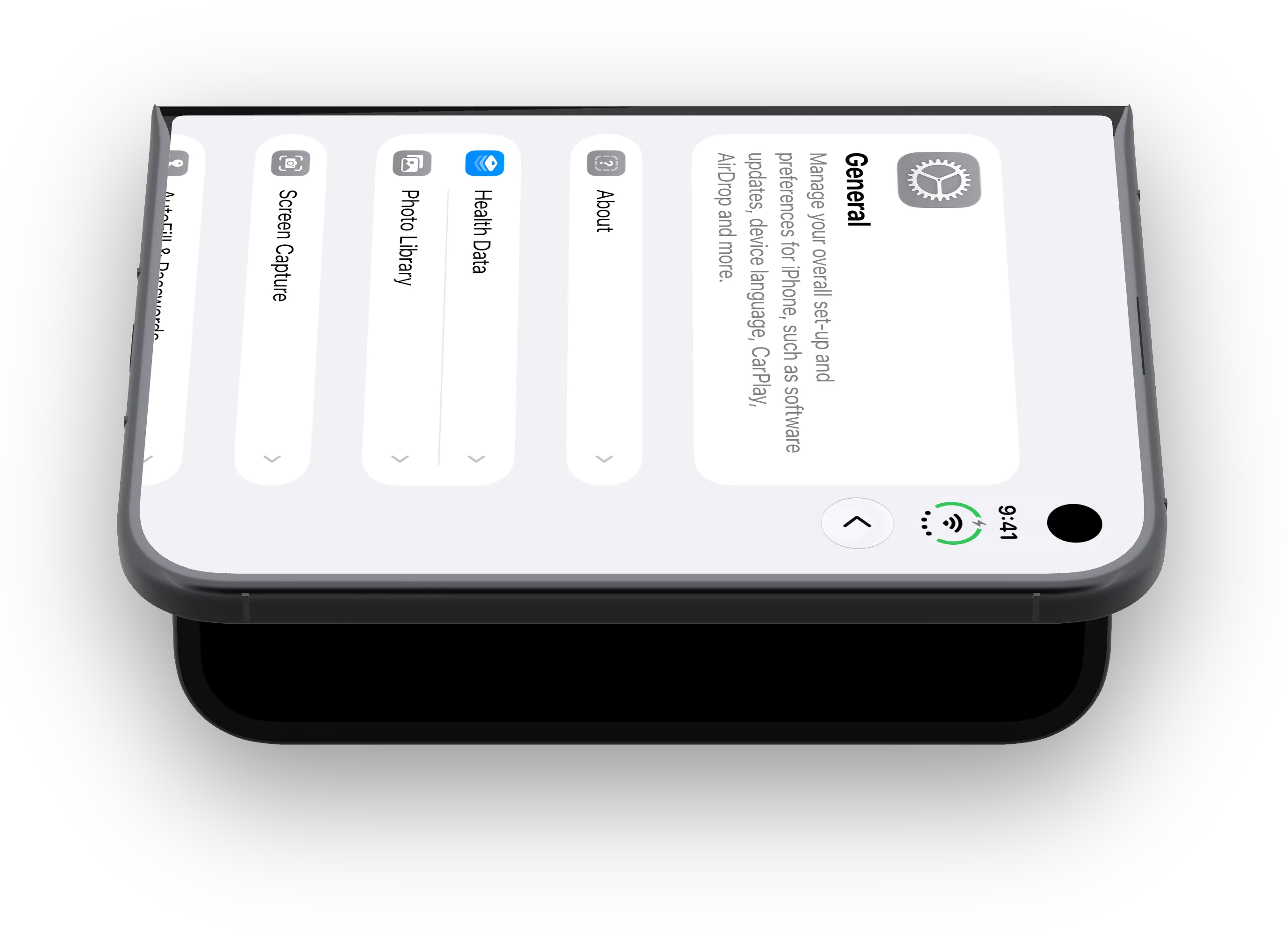
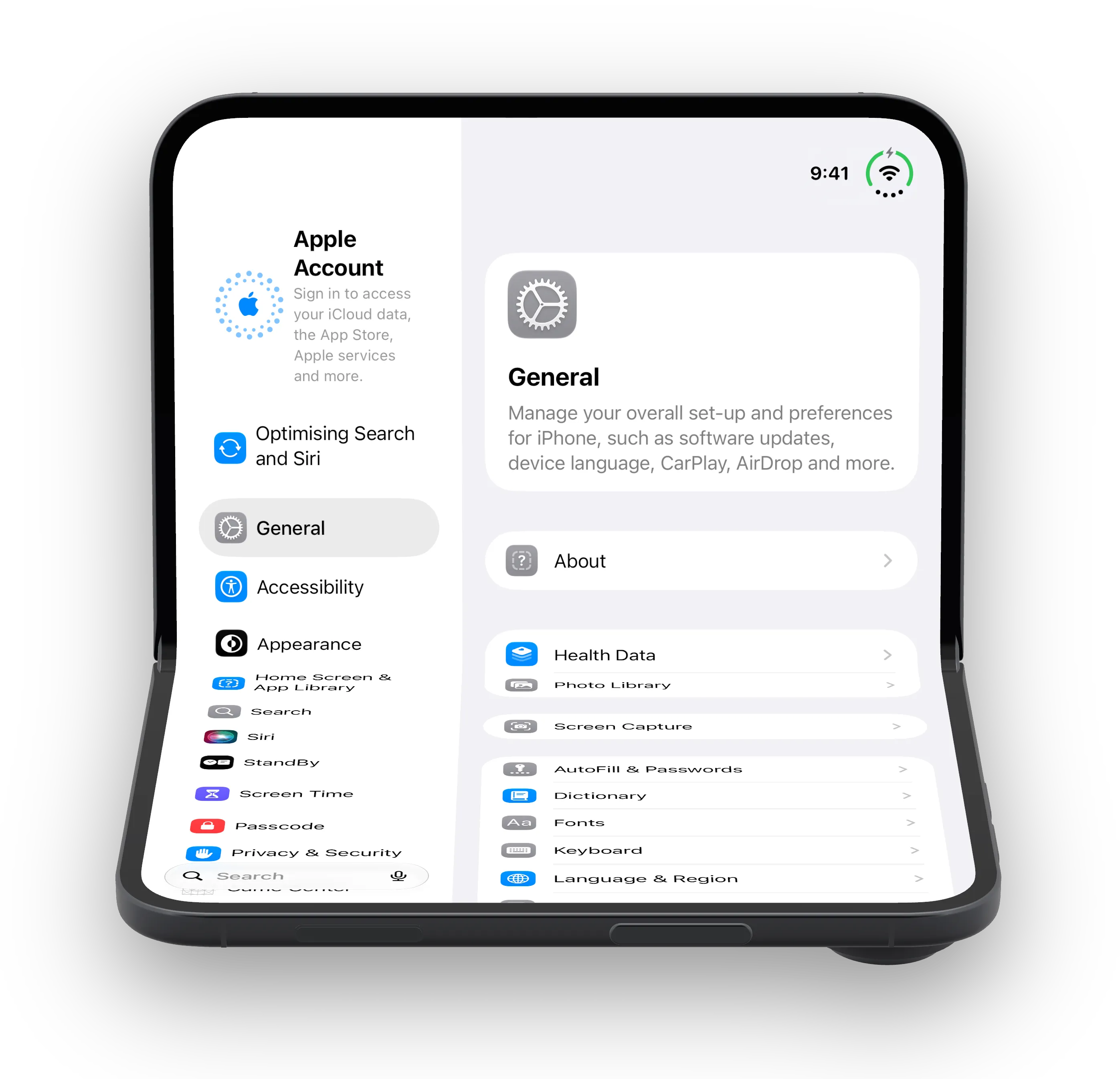
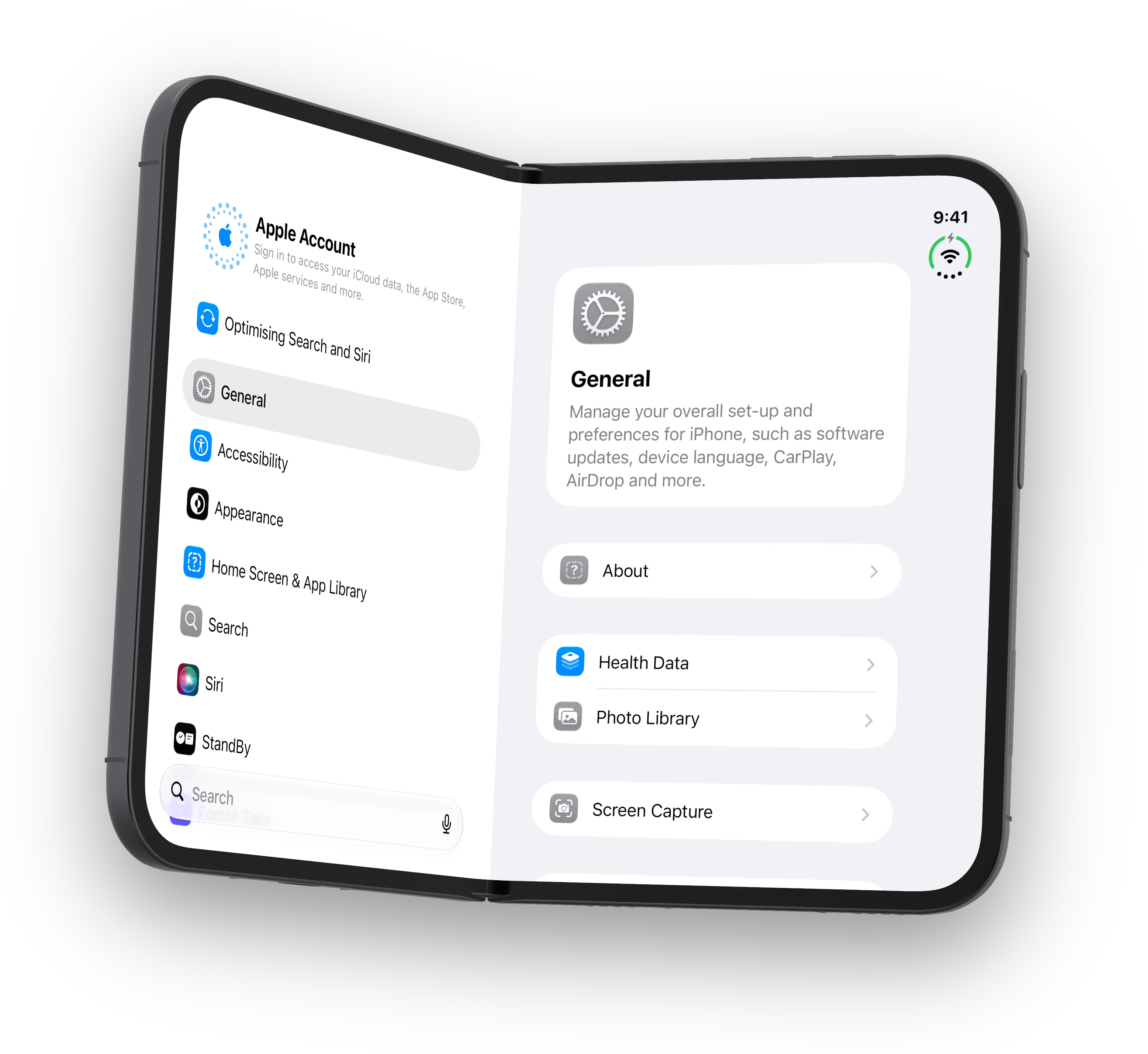
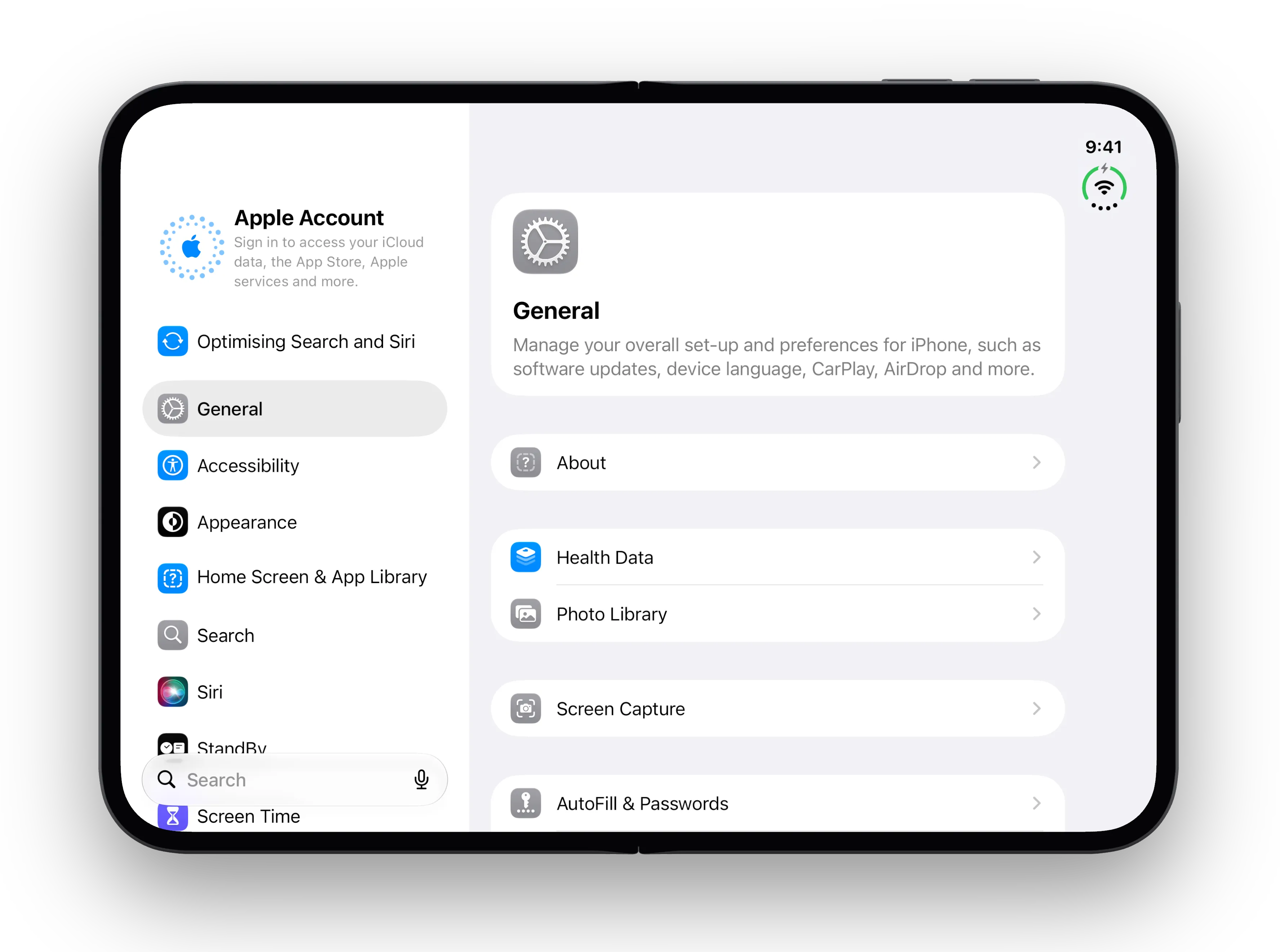
Devicewing is a Mac app that puts your iOS simulators on 3D devices you can turn and fold. Fold the iPhone Duo and iOS really folds: it switches screens and tells your app about the hinge. Drive every device from one, and save screenshots for your app’s App Store listing straight from the 3D view.
For Mac developers building iPhone and iPad apps. Works beside Xcode or your AI agent.
From a dozen windows to one board, in three moves.
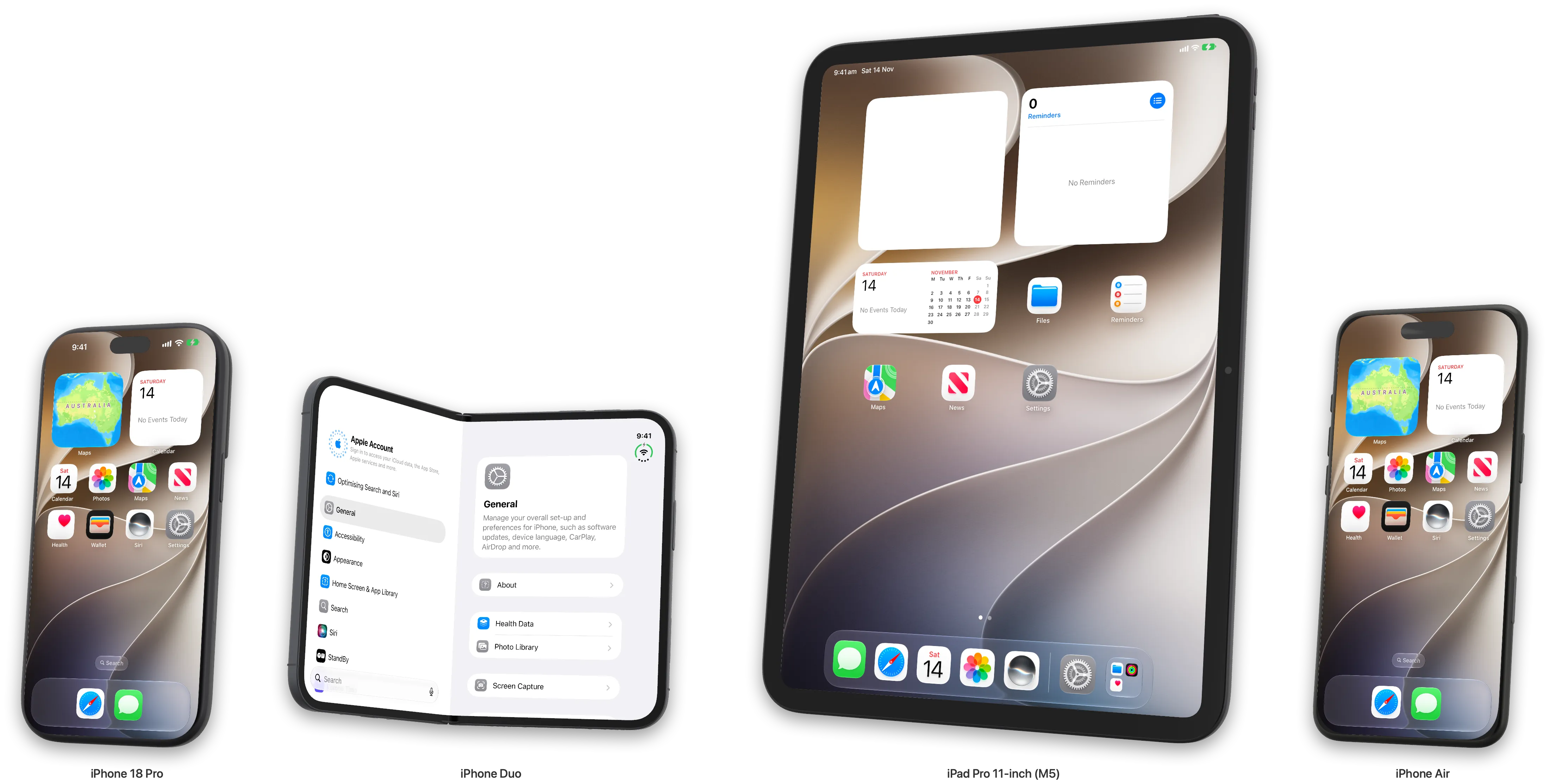
Checking a screen on four devices usually means four windows. Devicewing lines them up on one Board, at their real sizes, and lets one device lead the rest.
-
Put your devices on the Board
Tick iPhones, the iPhone Duo and iPads in the Devices menu. Each one starts its own simulator. True Size keeps an iPad next to an iPhone at their real proportions.
-
Drive them all from one
Touch any device and the others repeat it: the button with the same label, or the same place when there is no label to match. A warning marks a device that could not find it. Turn Sync off to drive one at a time.
-
Capture what you see
Snapshot all saves every screen, plus one picture of the devices side by side at their real sizes. Open a device on its own and Screenshot saves it at the size your App Store listing needs, on your background, with a caption.
The hinge is a control.
A flat simulator cannot show what your app does half open. In Devicewing the simulator follows the model: fold it and iOS switches between the cover and inner screens and tells your app about the hinge. Five named poses, and a slider for every angle between.
- Fold slider
- 0–180°
- Presets
- Duo Closed, Duo Laptop, your own
- Recorded moves
- Fold open, Fold shut
- Screenshots
- Both screens, cover and inner
Screenshots for your App Store listing, straight from the 3D view.
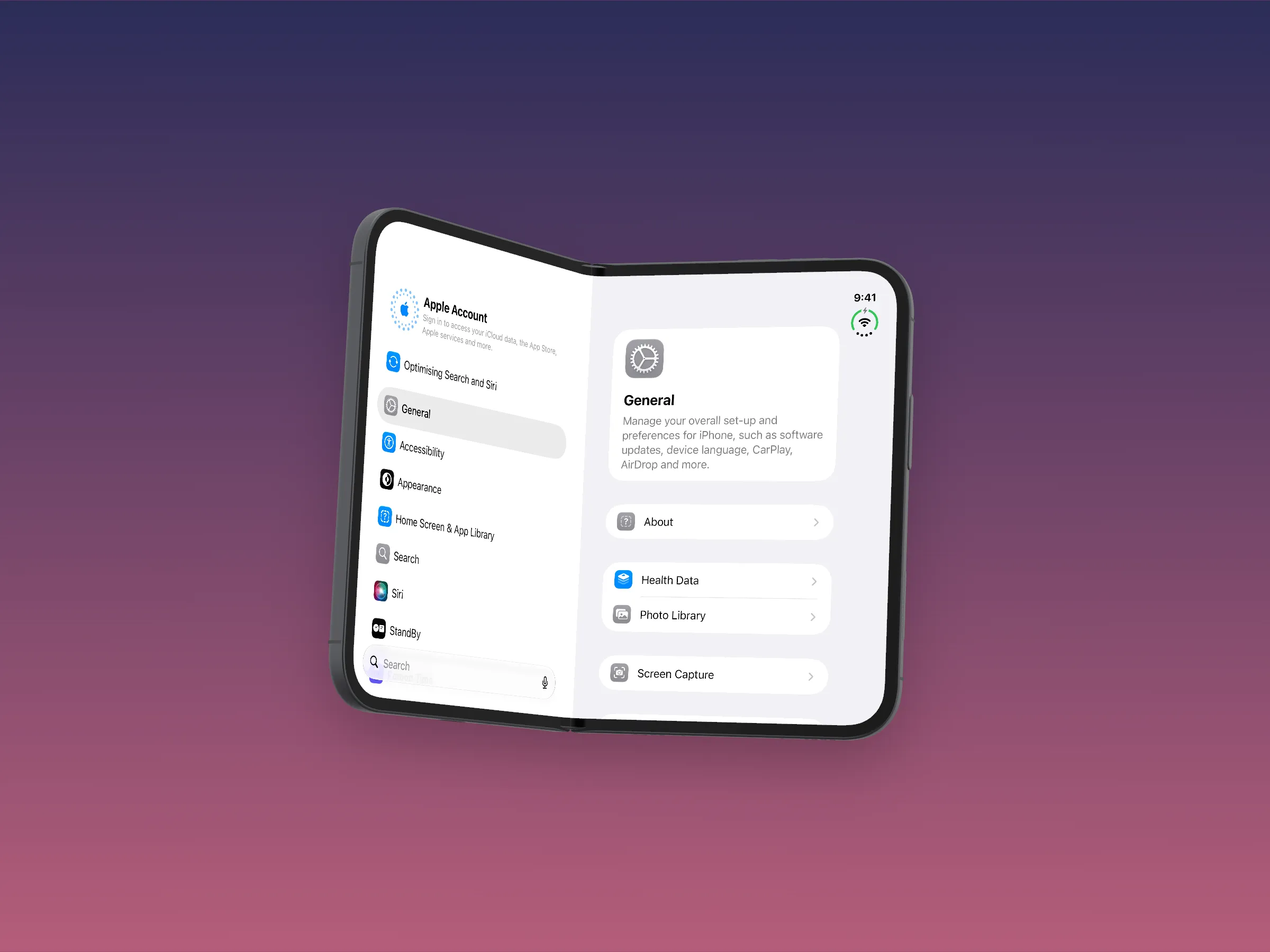
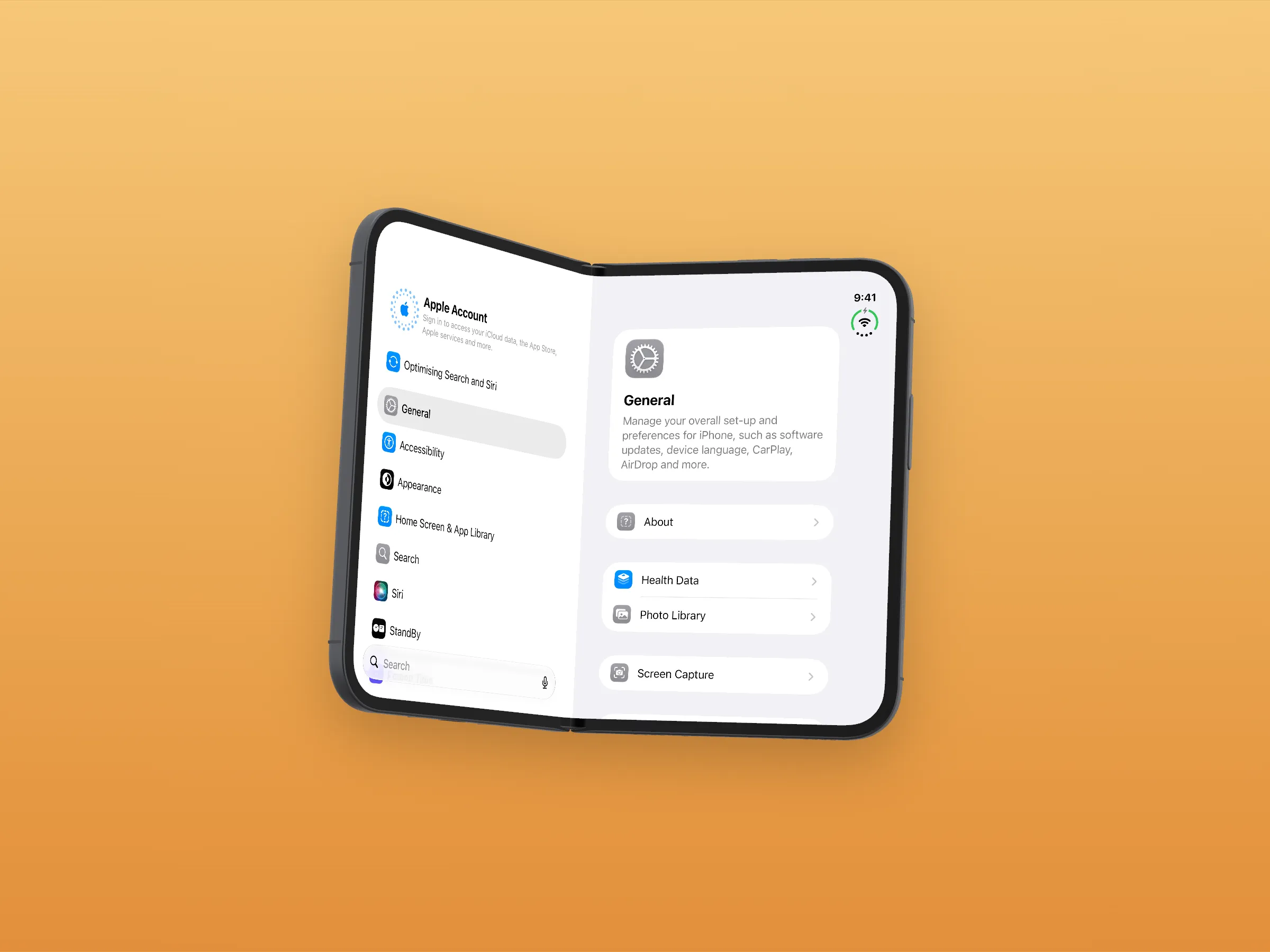
Set the background, size and caption once. App Store size keeps the screen’s own pixels as it is held, the size App Store screenshots are measured in. Clean status bar sets 9:41 with full battery and signal. For the iPhone Duo, one click saves every pose, or both screens.
- Sizes
- Fitted, App Store, 4:3, 16:9, 1:1, 9:16
- With the device or not
- Frame and background, or just what iOS draws
- Look
- A colour, a gradient, an image or transparent; a soft shadow; a dot at each touch
- Every pose
- The Duo in every pose, or its cover and inner screens, in one go
Record the screen, or the whole device moving.
Two recorders, kept apart on purpose. Screen records what iOS draws, ready for your app’s App Store preview. 3D view records the device itself as it turns and folds.
Save as MOV, MP4 or GIF, and trim the start and end once for every recording.
- Full turnThe device spins all the way round.
- Side to sideA gentle turn left, then right.
- Fold openThe Duo opens from closed to flat.
- Fold shutFrom flat back to closed.
Your AI agent gets the same controls you do.
Devicewing is an MCP server with 44 tools, and a command, devicewing, for your scripts. An agent can install and launch your build, tap a button by its label, read what is on screen, fold the Duo, then take a screenshot to check its work.
install_app(path: "build/MyApp.app")
launch_app(bundle_id: "com.example.myapp")
set_pose(name: "tent")
tap_element(text: "Continue")
screenshot(path: "tent.png")